Accessibility
Gameplay: keypad on a short screen
Use the complete three-column keypad and submit control on a short mobile viewport.
Before you start
- Start a round on a short phone-sized viewport.
Steps
Enter digits
Tap number keys or type with a hardware keyboard. The field keeps numeric input.
Open the Gameplay: keypad on a short screen guideCorrect or submit
Use backspace to remove the last digit and the arrow key to submit. Enter also submits from the keyboard.
Open the Gameplay: keypad on a short screen guide
What to expect
- The reviewed narrow gameplay layout keeps the answer and keypad reachable.
Other paths
Review answer behavior
See correct, incorrect, and empty submission behavior.
Open guide: Play a solo round
Visual guide
Annotated screens
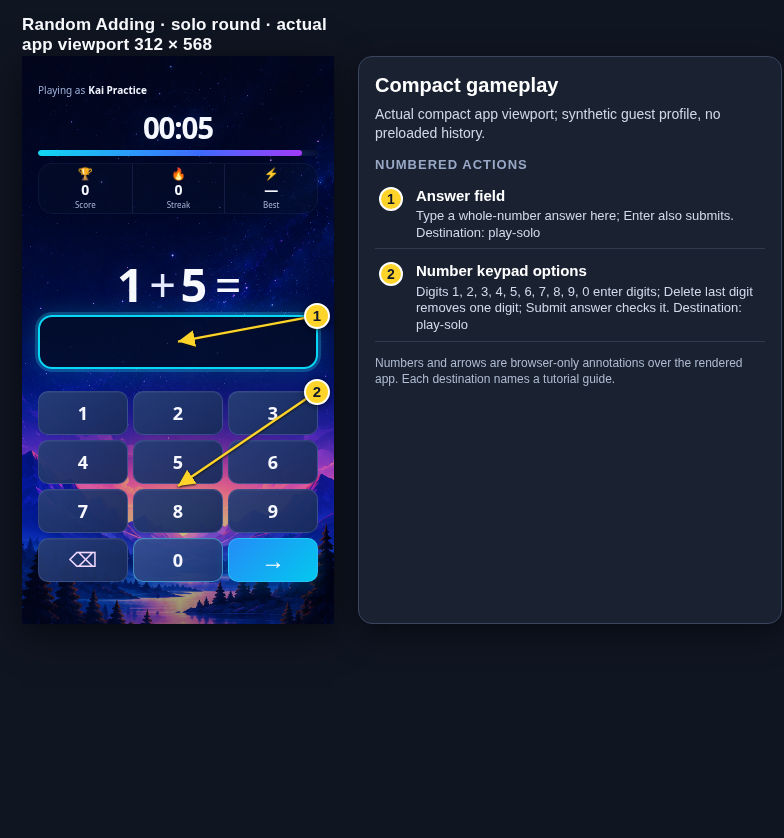
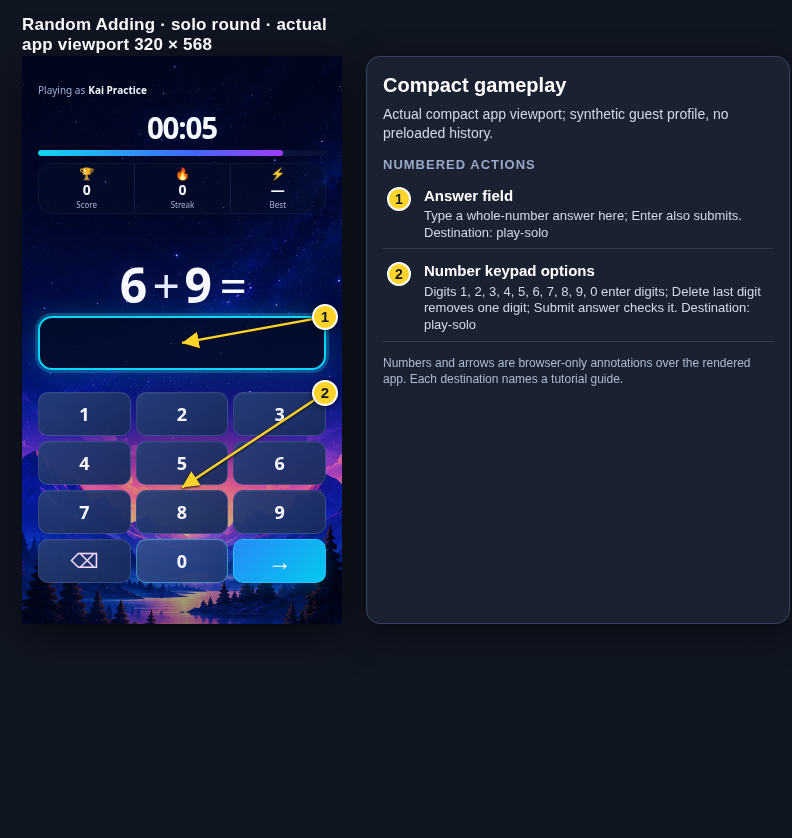
Each numbered note names the control or state marked on the screen.
 View full-size original annotated screen (new tab)
What the numbered markers show
- 1Answer fieldType a whole-number answer here; Enter also submits.Open guide: Play a solo round
- 2Number keypad optionsDigits 1, 2, 3, 4, 5, 6, 7, 8, 9, 0 enter digits; Delete last digit removes one digit; Submit answer checks it.Open guide: Play a solo round
 View full-size original annotated screen (new tab)
What the numbered markers show
- 1Answer fieldType a whole-number answer here; Enter also submits.Open guide: Play a solo round
- 2Number keypad optionsDigits 1, 2, 3, 4, 5, 6, 7, 8, 9, 0 enter digits; Delete last digit removes one digit; Submit answer checks it.Open guide: Play a solo round